
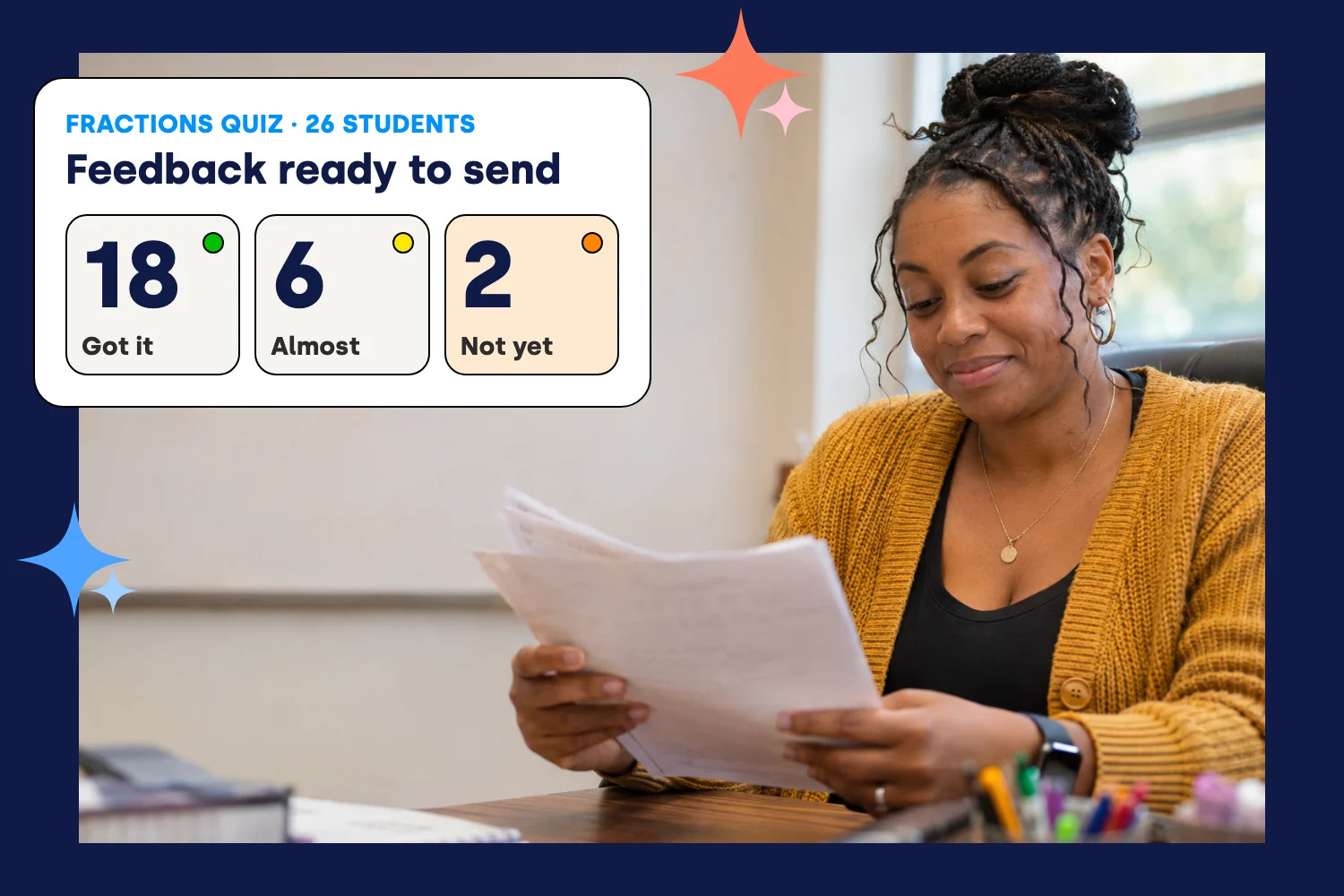
Feedback while it’s fresh
Students get specific feedback on their own handwritten work while the lesson is still fresh, not a week later.
Gradebox helps you review student work, give meaningful feedback, and see where students need more support. All while keeping your assignments on paper.
Free to start. No credit card required.

When students work through problems on paper, you can see what they understand and where they get stuck. But reviewing every assignment, giving meaningful feedback, and keeping track of who’s struggling takes time most teachers don’t have.
Gradebox helps you use the work your students are already doing to give feedback, understand their progress, and plan what to teach next.
Students get specific feedback on their own handwritten work while the lesson is still fresh, not a week later.
Look beyond the final score to see which questions and learning standards students are having trouble with.
See how students are progressing on each standard, with the original handwritten work available to review.
Students work on paper like they always have. Scan their completed pages with a phone or tablet.
Gradebox suggests grades and feedback from your answer key. You check, edit and approve before anything goes back.
Feedback goes back to students, and results add up by standard so you can plan your next lesson.
Gradebox works with handwritten worksheets, quizzes, and other paper assignments, including open-ended questions, math problems, and written explanations. You can keep using the assignments you already have.
Create your class, add an assignment and answer key, and you’re ready to scan student work. You don’t need to move your lessons or assignments onto a digital platform.
Yes. Gradebox prepares suggested grades and feedback using your answer key and grading instructions. You can review student responses, make changes, and approve the results before sharing them.
Students can continue completing their assignments on paper. You can share their feedback digitally, so they don’t need to use another platform to complete their work.
Gradebox is designed to handle student work and assessment information. For specific details about data collection, storage, access, and privacy practices, review Gradebox’s published privacy policy.
Yes. You can create an account and get started for free, with no credit card required. Paid plans are available if you need additional features or usage.
Create a free account, scan student work, and see how Gradebox can help you provide feedback and understand student learning.