Why we're building Gradebox

The idea for Gradebox began when we were teachers, overwhelmed by piles of notebooks to grade. We wanted a faster, easier way to scan handwritten work, keep parents in the loop, and see useful data in real time—all in one simple classroom motion.

Why we're building Gradebox illustration

One Platform. Two Journeys.

Gradebox was built to serve the entire classroom ecosystem—teachers who need time back, and parents who want to stay connected. Our digital grading platform transforms how educators manage assignments and how families stay informed about student progress.

Gradebox for Teachers - Young woman working at desk with laptop and papers

For Teachers

Gradebox was built by teachers to remove the frustration and wasted time of collecting and grading paper. By digitizing submissions and automating organization, it keeps your gradebook current without extra steps or special hardware.

Fast, Effortless Scanning - Snap or scan assignments; they appear in your gradebook right away.

No Extra Hardware Needed - Works with just the app or an optional scanning bin for smoother workflow.

Flexible Grading & Smart Organization - Grade by hand or digitally; Gradebox matches work to rosters and suggests likely students when names are missing.

Saves Hours Weekly - Automates submissions and records so you can focus on teaching, not paperwork.

At-Home Submissions & Secure Data - Students can send photos from home, and all information is encrypted and protected.


For Parents

Gradebox keeps parents effortlessly connected—no more guessing about submissions, grades, or teacher feedback. It digitizes workflow without replacing your child's physical assignments, giving you clear visibility and peace of mind.

Real-Time Visibility - See every submission, grade, and comment instantly.

Seamless Access - Use Gradebox on mobile or web—no setup hassle.

Stay Involved Anywhere - If school scanning isn't possible, you can scan their work at home using your phone.

Original Work Stays - Gradebox tracks assignments without taking papers.

Secure & Private - Data is encrypted and only shared with authorized users.

Gradebox for Parents - Family of three gathered around laptop

The Silent Strain of Grading

Behind every stack of papers is a teacher with a story. Hear theirs—then imagine yours.

Grading workflow illustration

Time Spent

I spend hours each night grading assignments. By the time I'm done, it's midnight. I barely have energy left for planning tomorrow's lessons.

Errors & Inconsistencies

No matter how careful I am, mistakes creep into my grading. A miscalculated score here, an overlooked answer there—it's frustrating for me and unfair to my students.

Burnout & Delayed Feedback

By the time I finish grading a set of essays, weeks have gone by. My students deserve timely feedback, but I can't keep up. The stress is overwhelming.

The Hidden Cost of Manual Grading

Teachers spend hundreds of hours each year grading, losing valuable time, delaying feedback for students, and sacrificing work-life balance.

0+

hours per year are spent grading, which equals a full workday every week lost to paperwork instead of teaching.

0%

teachers grade outside contracted hours, working nights, weekends, and breaks —eroding their work-life balance.

0 – 0

days is how long students often wait for feedback—quick responses within 1–2 days greatly boost engagement.

0%

improvement on student learning outcomes when students receive immediate feedback on assignments compared to no feedback at all.

Get started in
four easy steps

A simple and streamlined approach designed to completely transform and modernize your grading workflow, making it faster, easier, and far more efficient than ever before.

Upload Assignment - Step 1

Upload Assignment

Simply upload your handwritten assignments through our intuitive interface. Our AI instantly recognizes and processes your documents.

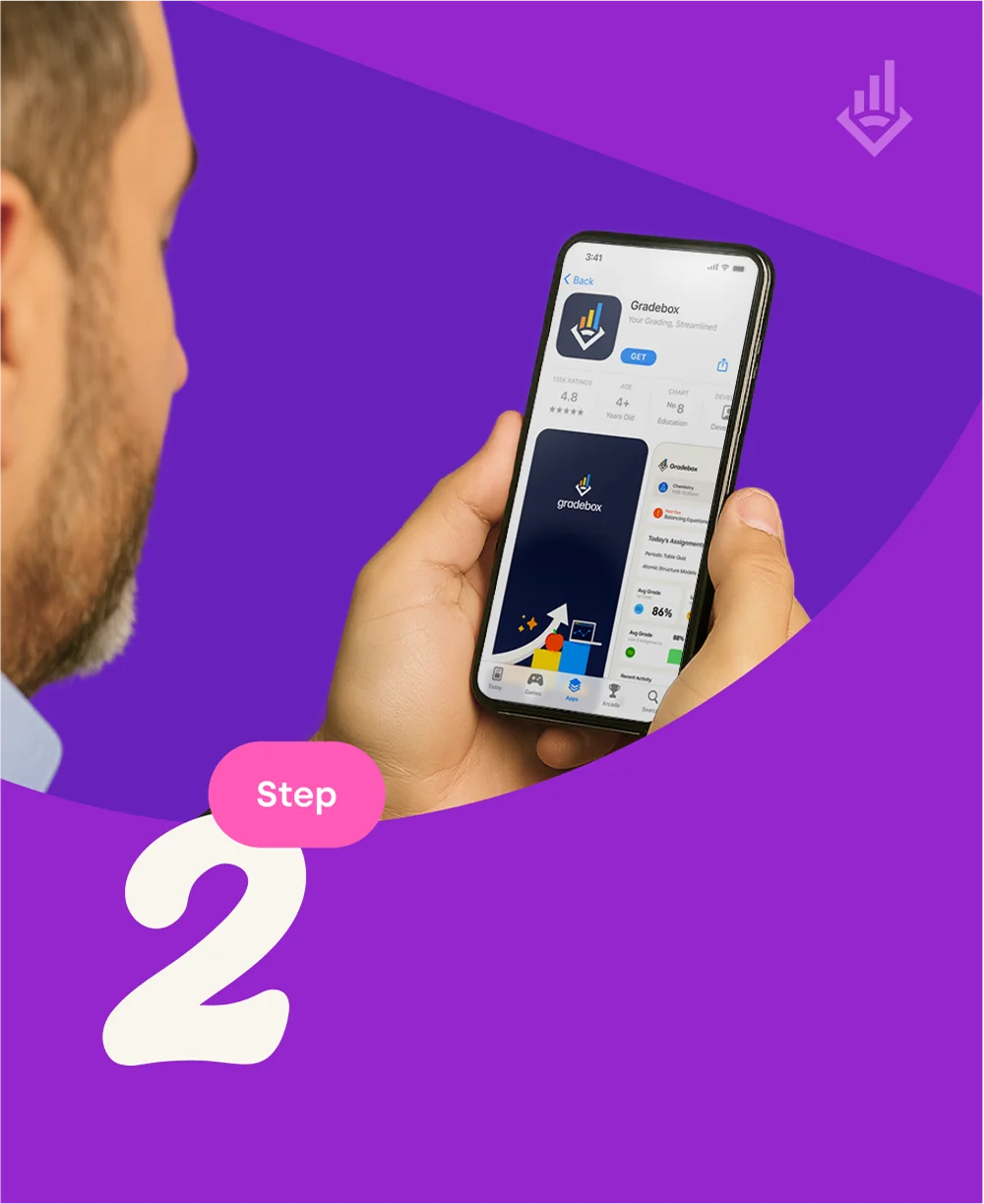
AI Analysis - Step 2

AI Analysis

Our advanced AI analyzes handwriting, identifies answers, and applies consistent grading criteria across all submissions.

Instant Results - Step 3

Instant Results

Get immediate feedback and detailed analytics. Track student progress and identify areas for improvement in real-time.

Export & Share - Step 4

Export & Share

Export grades, generate reports, and seamlessly integrate with your existing learning management systems.

Frequently Asked Questions

Everything you need to know about Gradebox's digital grading platform

Gradebox allows students to submit physical assignments by scanning them with a mobile device. Our Quick Scan OCR technology quickly scan each assignment, decodes the student name, and assigns it to each student in the gradebook based on the name on each page.

Gradebox works with the app alone, but a dedicated scanning bin is available for classrooms to streamline submissions. In 2026, we plan to launch a scanning bin which will be included for free in the paid annual membership or can be purchased for $19.99.

Assignments appear (almost) instantly in the digital gradebook once scanned.

Yes, teachers can grade physically as usual, but gradebox allows you to digitize and provide quicker feedback. If you choose to grade by hand, you can still use gradebox to read each handwritten grade and assign it to each student in the gradebook - just select the "already graded" checkbox in your scan sessions settings.

The system will still capture the image of the students work, it will cross reference the roster against submitted student assignments and provide a recommended list of which students may have submitted the work, showing you previous submissions from each student to manually compare the handwriting. Eventually, gradebox will be able to make educated guesses based on the handwriting of each student to assign a recommended student. But as always, ask your students to put their name on their stinkin' work (tired teacher voice - am i right?).

Currently, gradebox uses an internal gradebook within the app to manage assignments and allows teachers to export grades to a CSV that can be uploaded as a bulk file into the LMS or gradebook of record. We plan to have gradebox integrated with popular systems via API. Subscribe to our newsletter to stay up to date on release dates for new features.

Studies show teachers spend 10+ hours per week grading. gradebox automates submission and organization, saving significant time. Subscribe to our newsletter to get updates on our most recent user data and how much time gradebox saves them on their weekly grading.

While this feature does not exist yet, we are currently building it. Students will be able to submit an assignment at home through a secure link sent to the parents and students email when an assignment is not submitted.

Join Gradebox illustration

Get Early Access

Join our waitlist and be among the first to experience the future of grading.